Card
Component to support the structuring of information.
A <Card> component is a versatile UI element used to display content in a concise, visually organized format.
It's typically presented as a rectangular box with various content elements such as images, text, buttons, and icons.
Cards are ideal for grouping related information and making it easily digestible, often used to display previews of articles, products, user profiles, and other content types.
Anatomy
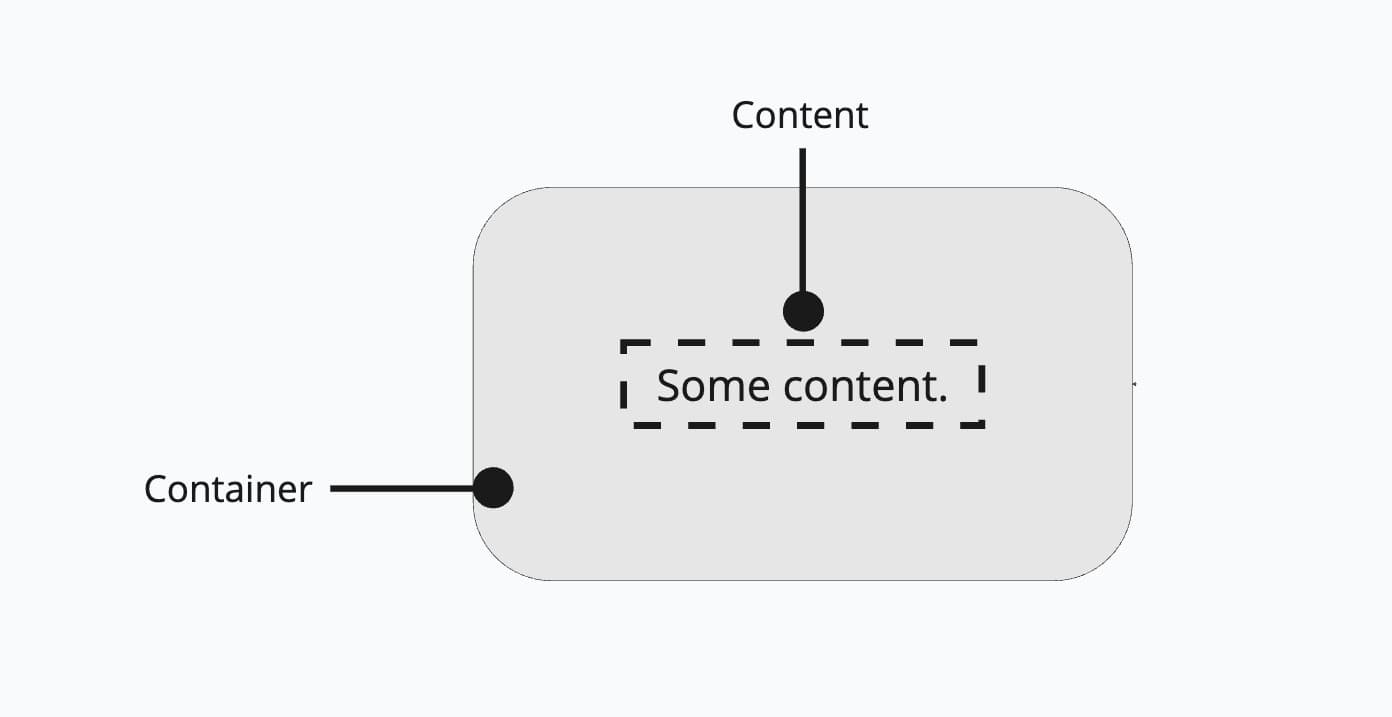
The <Card> component consists of a container which is basically a <div>. You can pass any content and components as children to the component.
Appearance
The appearance of a component can be customized using the variant and size props. These props adjust the visual style and dimensions of the component, available values are based on the active theme.
| Property | Type | Description |
|---|---|---|
variant | default | master | admin | The available variants of this component. |
size | - | The available sizes of this component. |
Usage
The <Card> component enhances the visual hierarchy and organization of content, making it easier for users to engage with various pieces of information.
Elevation layer
<Card> uses the raised elevation layer to create a visual distinction between the card and the background.
According to our design guidelines, the card should be used on top of the sunken or default layer.
sunken layer 👍
default layer 👍
Same layer like card 👎
import { Card, Inline, Stack, Text } from '@marigold/components';export default () => ( <> <div className="bg-bg-surface-sunken shadow-surface-sunken rounded-xl p-4"> <p>sunken layer 👍</p> <Card p={4}> <Stack> <Inline> <Text>Earliest event date:</Text> <Text weight="bold"> {new Date(Date.now()).toLocaleDateString()} </Text> </Inline> <Inline> <Text>Latest event date:</Text> <Text weight="bold"> {new Date(Date.now() + 3600 * 1000 * 24).toLocaleDateString()} </Text> </Inline> <Inline> <Text>Total events:</Text> <Text weight="bold">10</Text> </Inline> </Stack> </Card> </div> <div className="bg-bg-surface shadow-surface rounded-xl p-4"> <p>default layer 👍</p> <Card p={4}> <Stack> <Inline> <Text>Earliest event date:</Text> <Text weight="bold"> {new Date(Date.now()).toLocaleDateString()} </Text> </Inline> <Inline> <Text>Latest event date:</Text> <Text weight="bold"> {' '} {new Date(Date.now() + 3600 * 1000 * 24).toLocaleDateString()} </Text> </Inline> <Inline> <Text>Total events:</Text> <Text weight="bold">10</Text> </Inline> </Stack> </Card> </div> <div className="bg-bg-surface-raised shadow-surface-raised rounded-xl p-4"> <p>Same layer like card 👎</p> <Card p={4}> <Stack> <Inline> <Text>Earliest event date:</Text> <Text weight="bold"> {new Date(Date.now()).toLocaleDateString()} </Text> </Inline> <Inline> <Text>Latest event date:</Text> <Text weight="bold"> {new Date(Date.now() + 3600 * 1000 * 24).toLocaleDateString()} </Text> </Inline> <Inline> <Text>Total events:</Text> <Text weight="bold">10</Text> </Inline> </Stack> </Card> </div> </>);Don't use card in cards or same elevation layers.
Props
Card
Prop
Type